Save web images to Google Drive — with context that lasts.
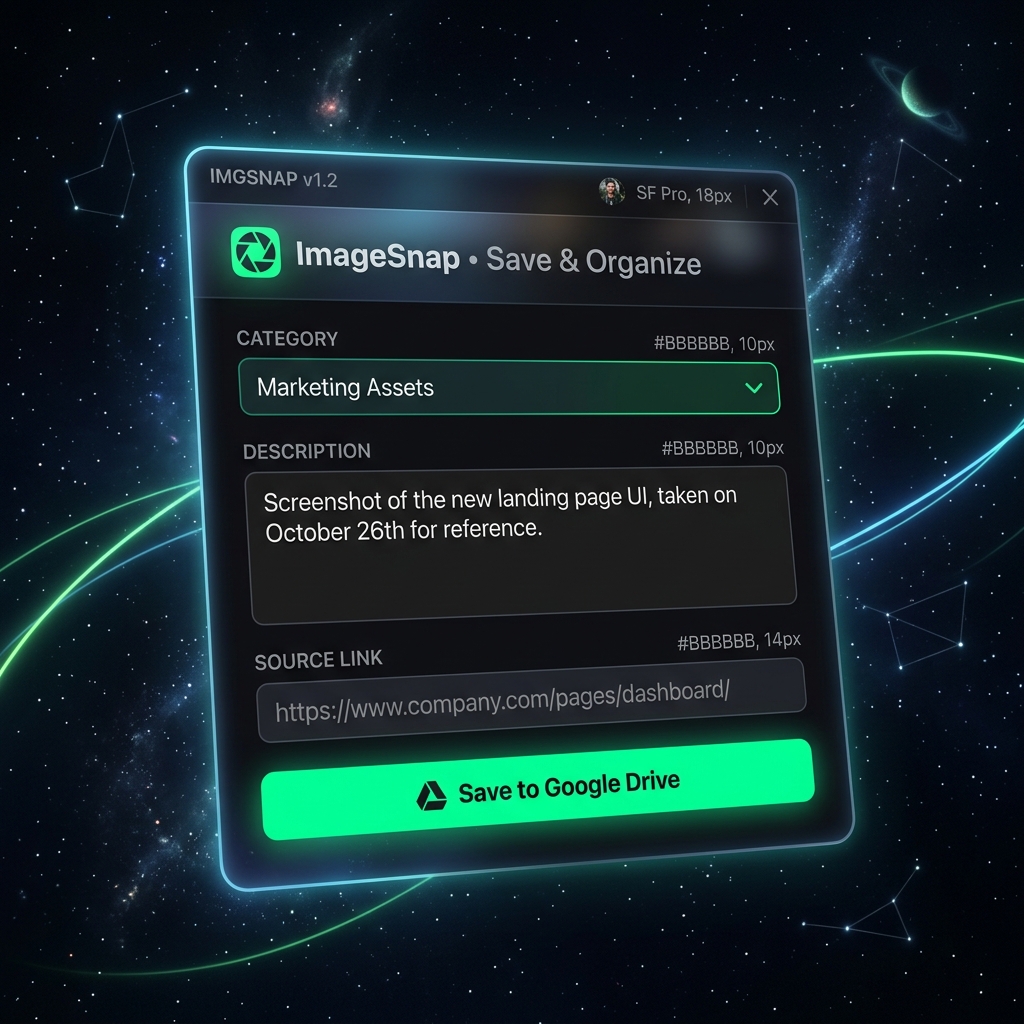
ImageSnap captures any image with your designed context — the fields you choose, the categories you define, the details that make each picture useful forever.
Sound familiar?
"I saved 200 product screenshots but can't remember why I saved half of them."
"My research folder is full of images with no price, no source, no notes. Just dead files."
"I did great research last month. Now I need it again and can't find anything useful."
Save the image.
Keep the meaning.
Capture any image with context
Click the extension on any page. ImageSnap saves the image to your Google Drive and captures the context — title, price, description, source. Auto-filled when possible, customizable always.
You design the context
Add any fields your workflow needs: supplier name, rating, project code, season, status. Every category can have its own schema. Your context, your rules.
Spend one time, use forever
6 months later, you still know why you saved that image, where it came from, and what it means. Your data stays in your Drive and Sheets. Yours forever.
Every image tells a story.
ImageSnap remembers it for you.
Competitor Tracking
Save competitor product images with price, positioning and source. Build a visual database that shows how competitors change over time.
See WorkflowMarket Research
Capture product trends with images and context. Review visually, compare by fields, share with your team.
See WorkflowSourcing & Procurement
Save supplier products with photos, specs and pricing. Compare visually across sources — no more juggling tabs.
See WorkflowSwipe File Tool
Save anything visual from the web with the context that makes it findable later. Recipes, designs, references, inspiration.
See WorkflowSimple, predictable pricing.
- Unlimited captures
- Unlimited categories
- Google Drive & Sheets Sync
From $9.99/month for unlimited captures and AI extraction.
Frequently Asked Questions
What is "designed context"?
It means you decide what information gets attached to each image. ImageSnap auto-fills what it can from the page, but you can add any custom fields — project name, rating, supplier, status, notes — whatever makes the image useful for your work.
Is this a scraper?
No. ImageSnap works inside your browser while you browse normally. You choose what to capture. It's human-guided, not automated.
Where does my data go?
Images go to your Google Drive. Context goes to your Google Sheet. We don't store your research data on our servers.